In this article
- Create a story before the trip so every clip has a destination.
- Film short scenes in sequence instead of collecting random highlights.
- Use a story-first camera workflow so the trip movie builds while you film.
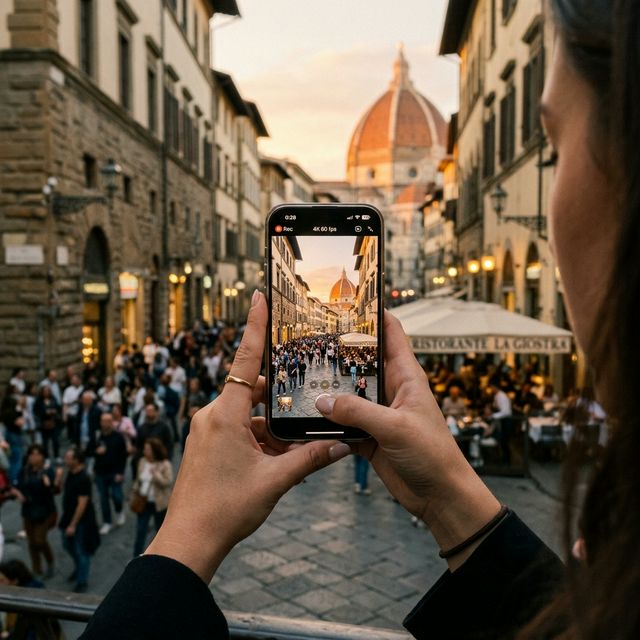
The usual travel video plan sounds simple: film the trip now, edit the travel video later.
But later is where most iPhone travel videos disappear. The clips stay in the camera roll, mixed with screenshots, duplicate takes, restaurant photos, and random everyday videos.
The problem is not that you did not film enough. The problem is that the footage never became a story while the memory was still fresh.
A better workflow is to make the travel movie as you go. You do not need a complicated editing app, a laptop, or a weekend of post-production. You need a simple filming structure that turns each clip into part of one ongoing trip story.
Step 1Start with a trip story, not a camera roll
Most people open the iPhone camera and film whatever looks interesting. That works for capturing fragments, but it does not work well for making a finished travel video.
Instead, create a story first. Think of it as the container for the whole trip: the arrival, the little transitions, the meals, the streets, the weather, the people, and the final quiet moment before going home.
This is where a story-first app like Footage is different from a regular camera. In Footage, you record directly into a story, so the movie grows as you film. You are not collecting raw material for a future editing session. You are building the travel video in real time.
Step 2Film scenes instead of highlights
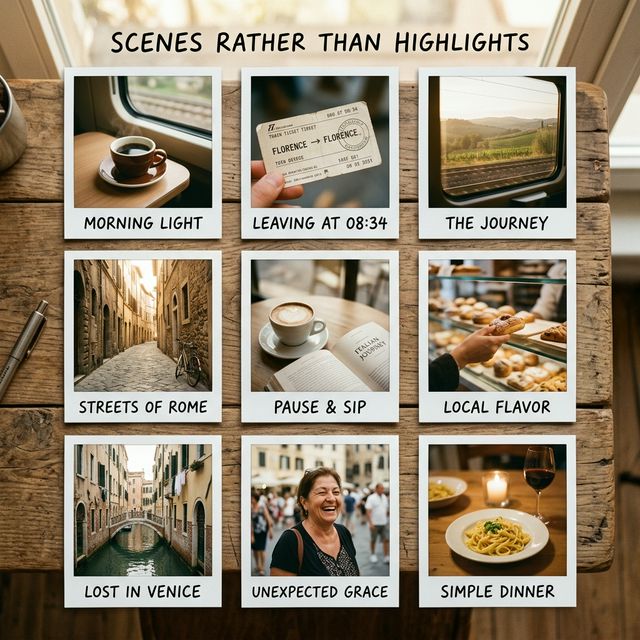
Social media trains us to chase only the most impressive shots: the viewpoint, the famous landmark, the perfect sunset.
Those clips are useful, but they rarely make a trip feel complete. A good travel video needs scenes. Scenes are the small connected moments that explain how the day moved.
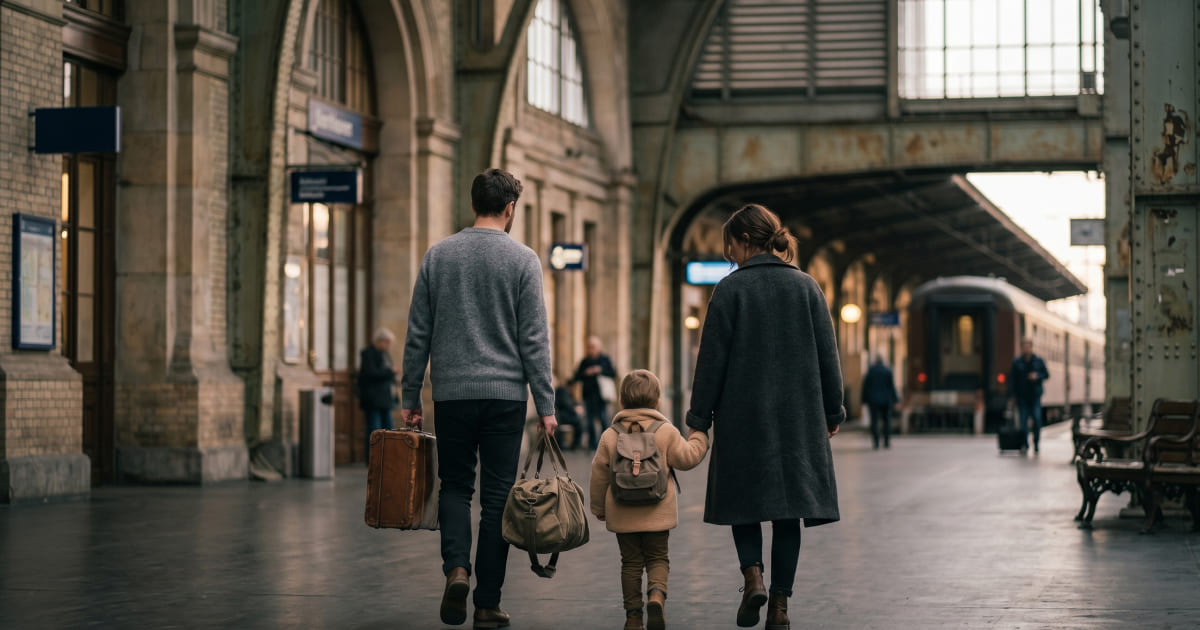
- The taxi ride from the airport.
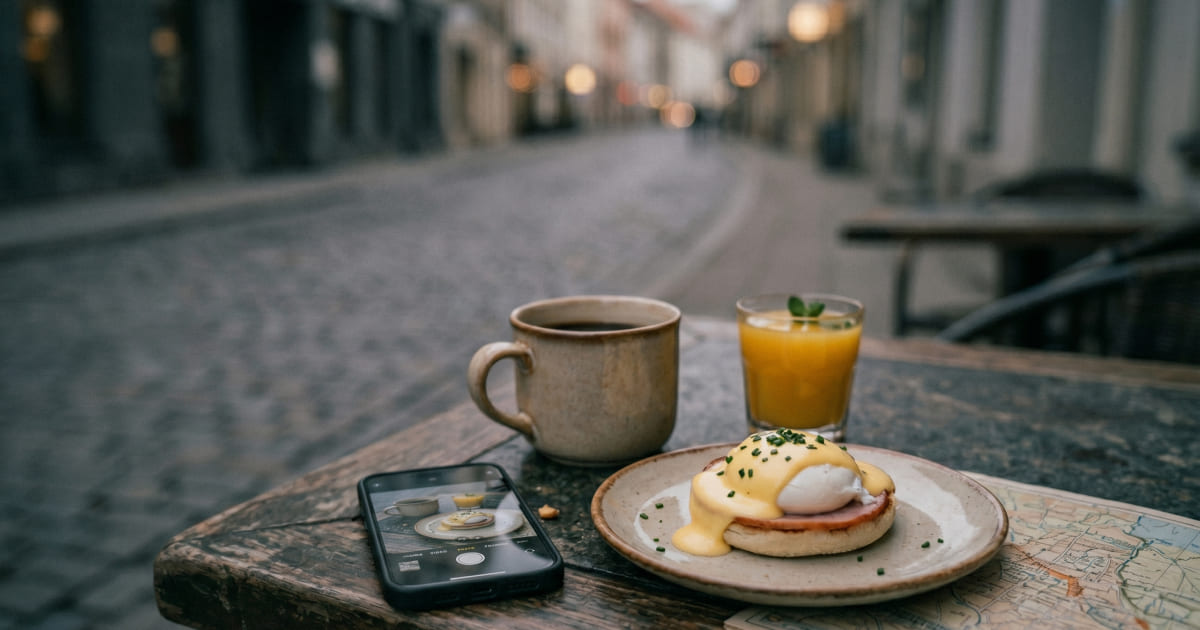
- The first coffee before anyone is fully awake.
- The walk from the hotel to the old town.
- The meal arriving at the table.
- The tired ride back at night.
These are not filler clips. They are what make the final movie feel like a memory rather than a slideshow.
Step 3Keep each clip short and intentional
You do not need to film everything. In fact, filming too much is one of the easiest ways to make the final video harder to watch.
Aim for short clips: usually 3 to 5 seconds. That is enough time to capture motion, sound, and atmosphere without creating a heavy editing burden later.
A simple daily structure works well:
- One opening clip: the room, street, station, or first view of the day.
- One movement clip: walking, driving, train window, boat, bikes, or stairs.
- One sensory clip: coffee, rain, market sound, music, traffic, waves, or language.
- One people clip: a laugh, reaction, conversation, or quiet glance.
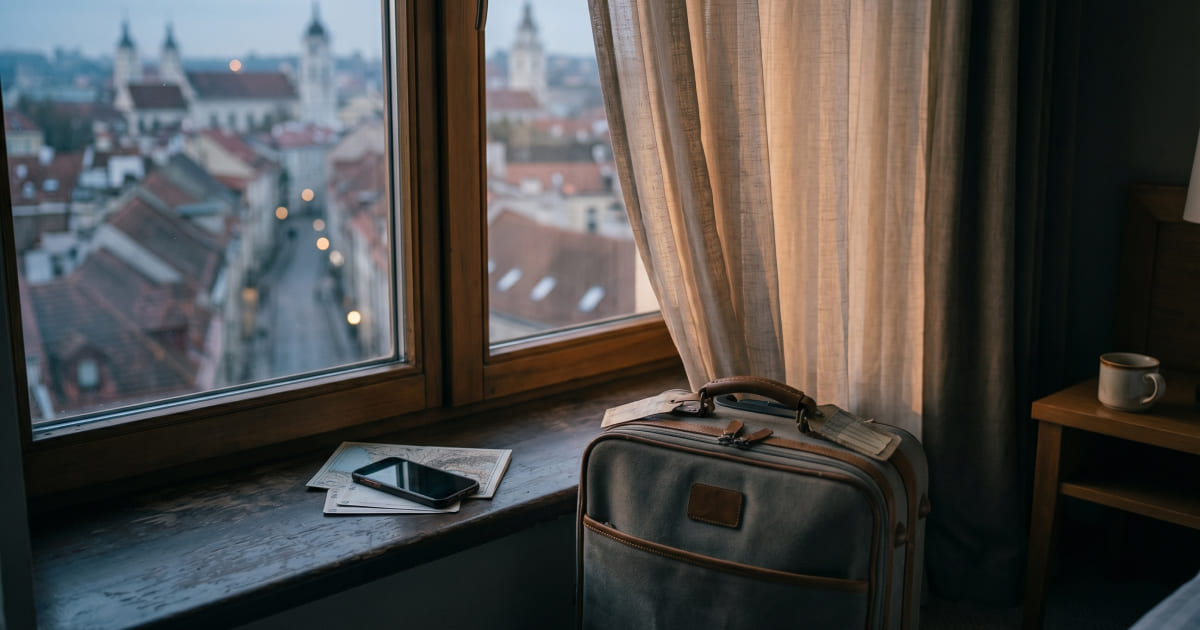
- One closing clip: night street, tired shoes, hotel window, or sunset.
If you want more ideas, read the companion guide on what to film on vacation so you actually remember the trip.
Keep the whole trip in one story
Footage was built for people who want a final movie without a second project waiting at home.See the app on the App Store.
Step 4Capture sound, not just views
The sound of a place is often what disappears from memory first.
Record the metro arriving, the cafe noise, the rain, the footsteps, the market, the wind on a viewpoint, or a child explaining what they just saw. These clips may not look like the most impressive shots, but they often become the most emotional parts of the finished movie.
This matters because a travel video is not only proof that you visited somewhere. It is a way to return to how the trip felt.
Step 5Share privately while the trip is happening
Not every trip memory belongs on social media. Sometimes the best audience is your partner, your kids, your parents, or grandparents following from home.
A private shared story lets people follow the journey without you sending compressed clips through messaging apps. It also removes the pressure to make every moment look public and polished.
For group trips and family travel, the next step is collaboration. See how couples and families can capture one shared travel story without turning someone into the editor after the trip.
ComparisonCamera roll vs travel video journal
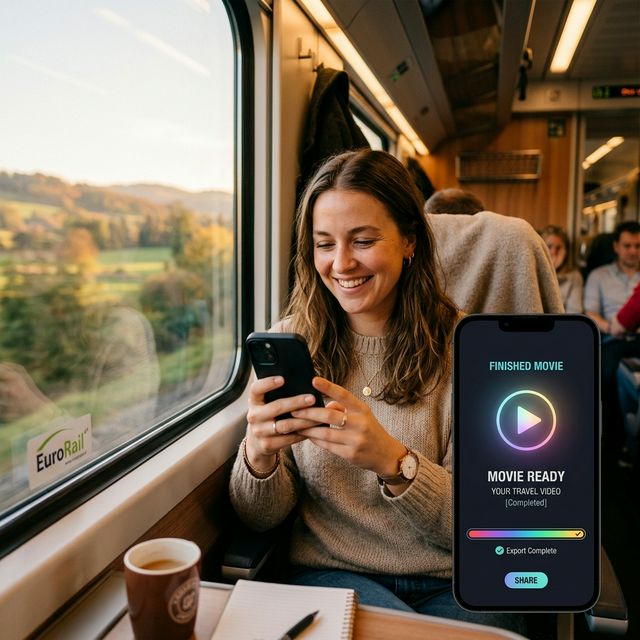
Your camera roll is great for storage, but it is not designed for story. It mixes every clip from every context into one endless archive.
A travel video journal is different. Each clip belongs to a specific trip, in a specific order, with a specific purpose. That makes the final video easier to watch and easier to share.
The best travel video is not always the most edited one. Often, it is the one that actually exists.
Helpful answers
Frequently asked questions
How do I make a travel video on iPhone without editing?
Create a story before the trip, then film short scenes directly into that story in chronological order. Capture arrivals, transitions, sounds, people, and end-of-day moments so the final movie already has structure before the trip ends.
How long should iPhone travel video clips be?
Most useful travel clips are around 3 to 5 seconds. Short clips are easier to capture consistently, easier to watch later, and easier to combine into one natural trip movie.
Is a travel video camera better than a regular editing app?
A travel video camera is better when you want the movie to build during the trip. Editing apps are useful later, but they still require collecting clips, choosing a timeline, and finishing the project after you get home.
Make the final movie while the trip is still happening.
Footage turns everyday travel clips into one private movie, so you can stay in the moment instead of building a backlog for later.
Download on App Store